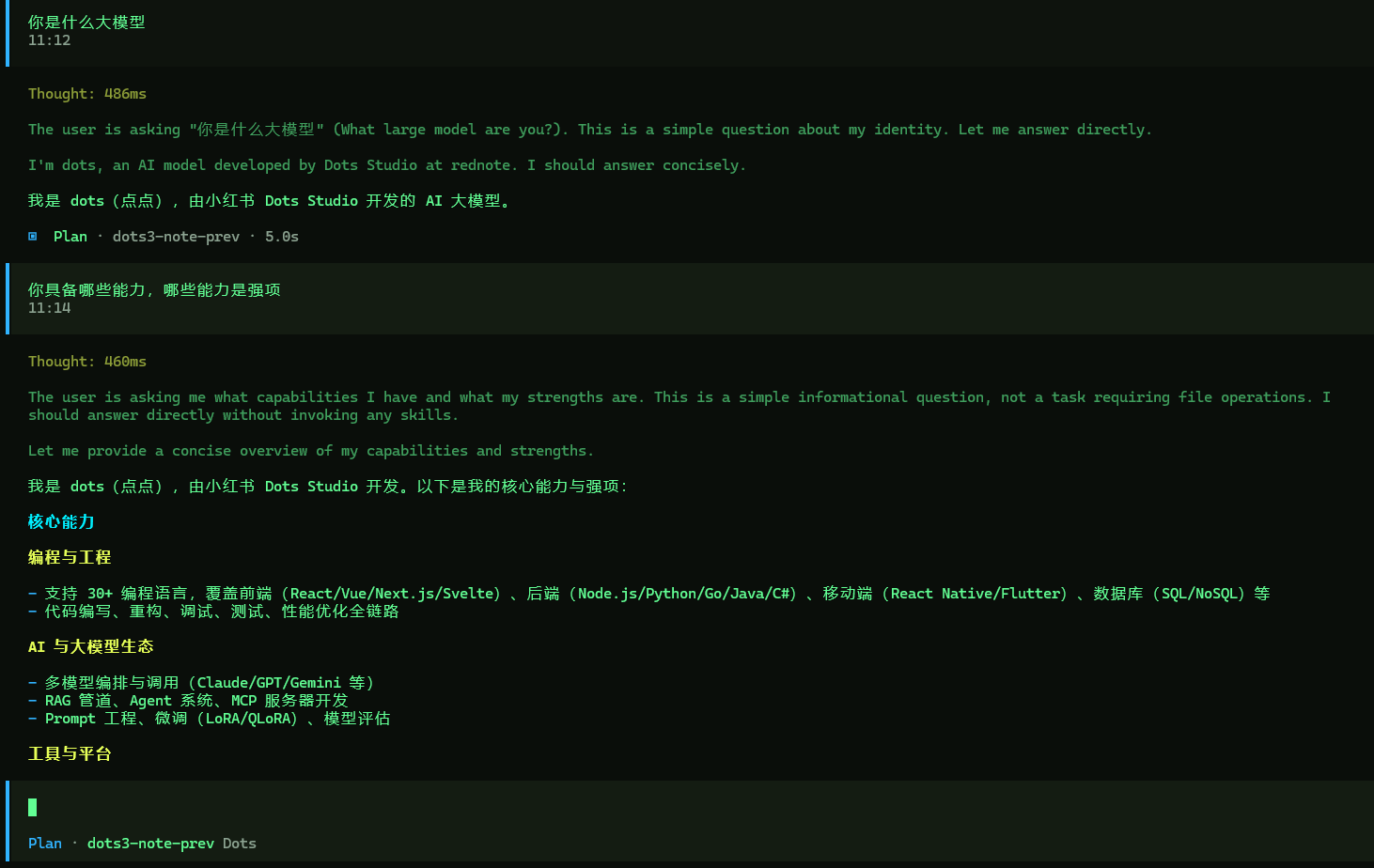
这篇文章介绍的是如何让opencode可以接入小红书Dots Studio 开发的 AI 大模型点点(dots),以API调用方式使用该大模型。目前,官方后台没有关于收费的任何事项,当前大模型还是免费使用的。官网是https://dots.ai/ ,具备在线聊天对话能力,可以上传识别图片,但是显然没有使用API接入使用来得更方便,接入API可以让大模型使用工具调用,而不仅仅是对话。
API文档地址是 https://dots.ai/platform/docs,前往 https://dots.ai/platform/apikeys 这申请API KEY。然后编辑opencode的配置文件 opencode.json 或者 opencode.jsonc,在provider里面添加如下内容:
 "dots":
        {
            "models":
            {
                "dots3-note-prev":
                {
                  "attachment":true,
                  "interleaved":"reasoning_content",
                   "limit":{
                    "context":524288,
                    "output":65536
                   },
                   "modalities":{
                    "input":["text","image"],
                    "output":["text"]
                   },
                   "name":"dots3-note-prev",
                    "options":
                    {
                      "thinking":{
                        "type":"enabled"
                      }

                    },
                    "reasoning":true,
                    "tool_call":true
                }
            },

            "name":"Dots",
            "npm":"@ai-sdk/openai-compatible",
            "options":{
              "baseURL": "https://note3-prev-api.askdiandian.com/v1",
              "apiKey": "这里填写你申请到的apiKey",
              "setCacheKey":true
            }

        },
完成以上配置之后,启动opencode,然后进行模型选择,就可以使用了。